
Early access on Google PlayBeta

Test CardOps on Android.
The card scanner and show selling app vendors run on iPhone is in closed testing on Google Play. Join as a tester, use it at your next show, and tell us what breaks. Free, no account, no ads.






Three steps, about two minutes
How to join the test.
Google lets only listed testers install a closed test, so the order matters: join the group first, then opt in, then install. Use one Google account for all three.
- 01
Join the tester group
Open the CardOps testers Google Group and tap Join group. Use the Google account that is signed in to Play on your phone.
Join the group - 02
Opt in on Google Play
Open the opt-in page with that same account and tap Become a tester.
Become a tester - 03
Install from Play
Install CardOps from its Play listing. If Play says it is not available yet, give it a few hours after opting in and try again.
Open on Google Play
Please keep it installed for 14 days.
Before a new app can launch publicly, Google needs at least 12 testers to stay opted in for 14 days in a row. Keeping CardOps on your phone for two weeks is the biggest help you can give. You do not have to use it every day, though a show day is the best test there is.
What you will be testing
Your whole table, on Android.
Scan or search
Point the camera at a card, or search 21,000+ cards by name, set or number.
Cost, condition, value
Price paid, condition and market value on every card you own.
Show Mode
Sell, trade, buy and log expenses at the table, with live profit for the day.
Calendar and Home
Plan your shows and see stock value, recent sales and your next show at a glance.
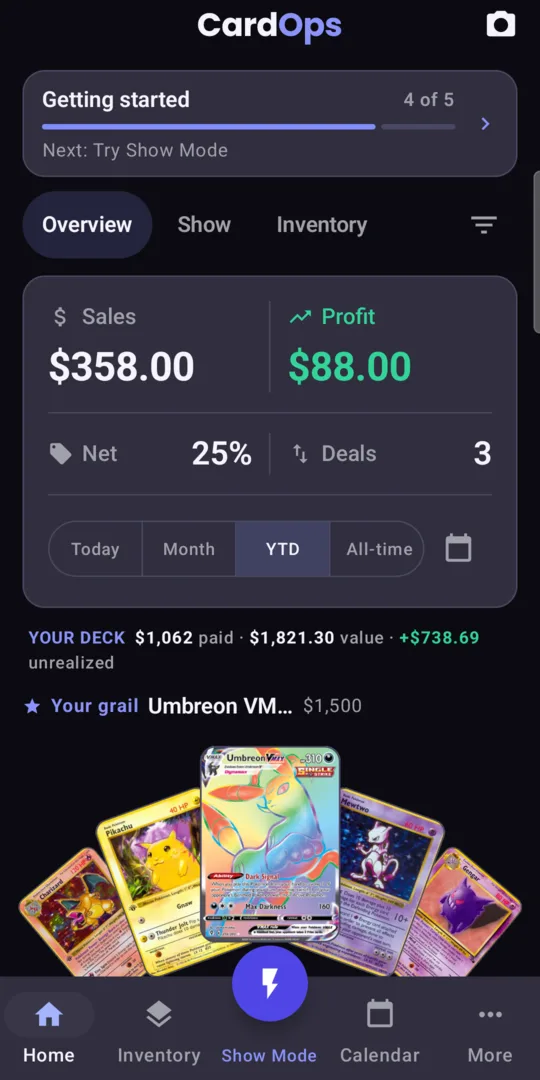
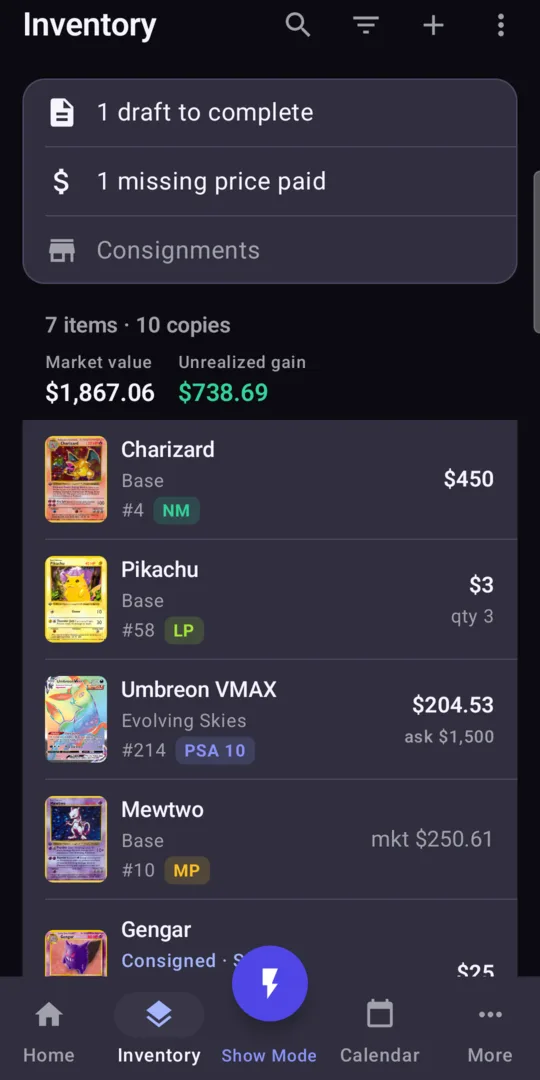
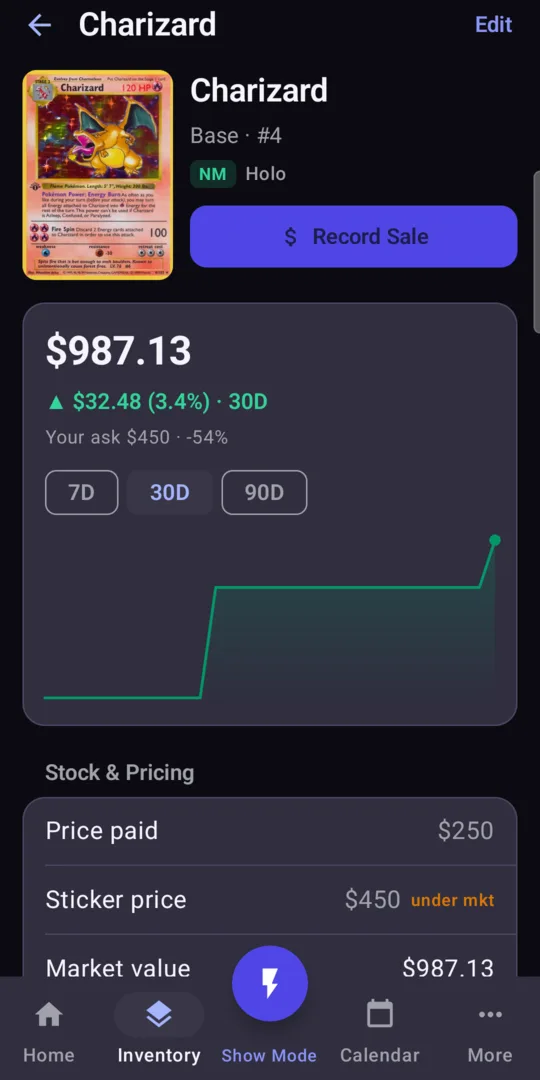
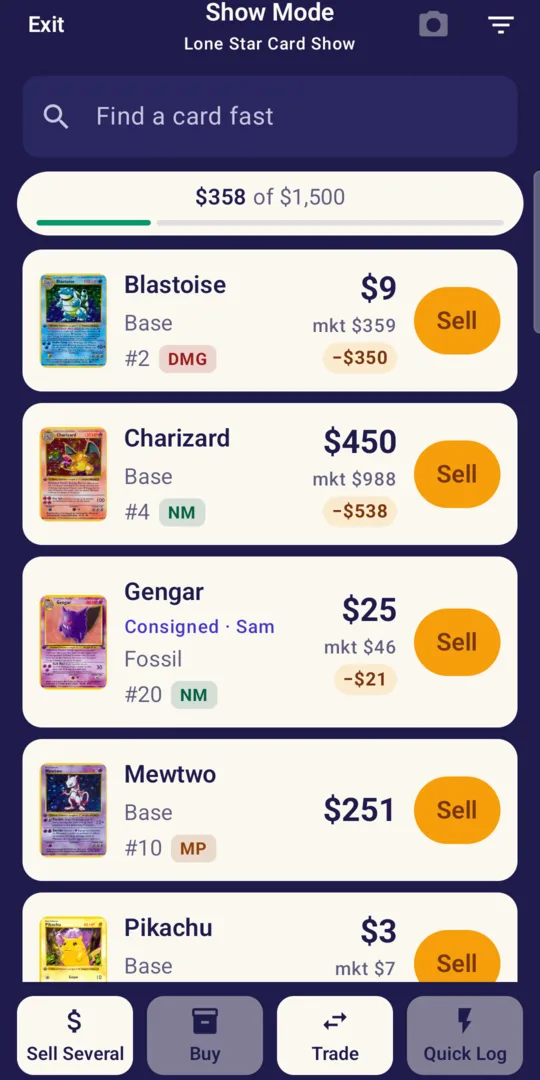
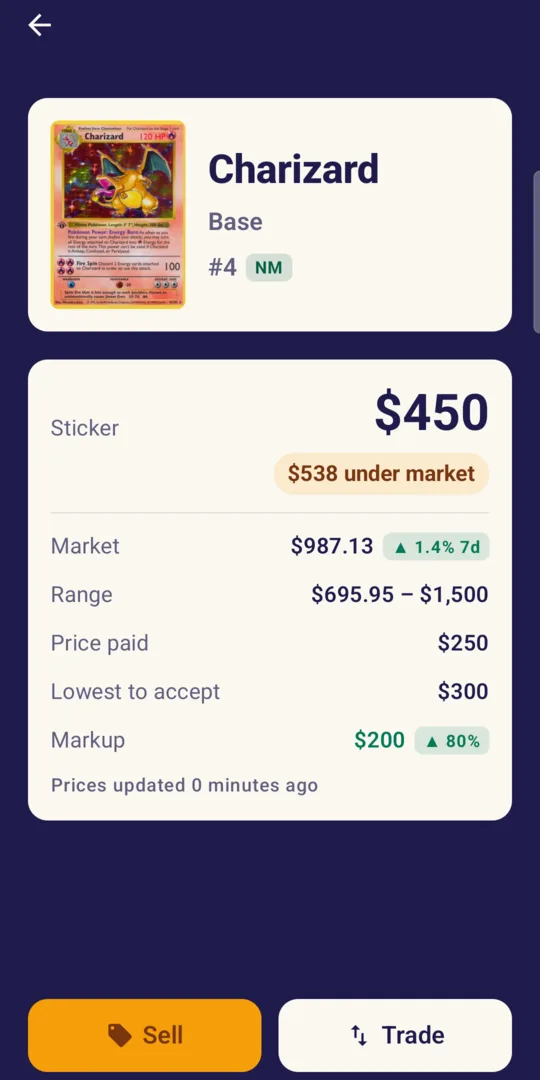
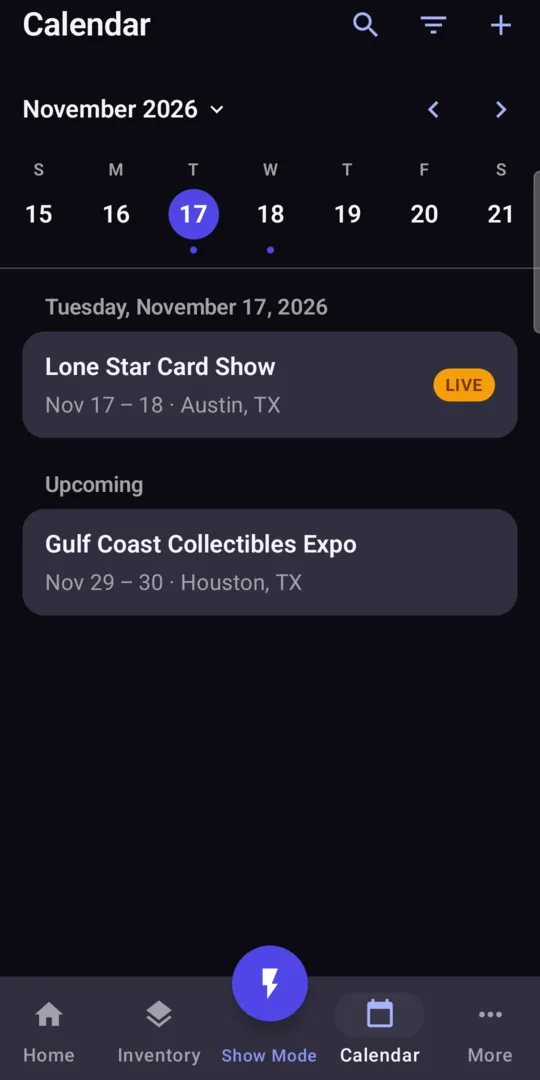
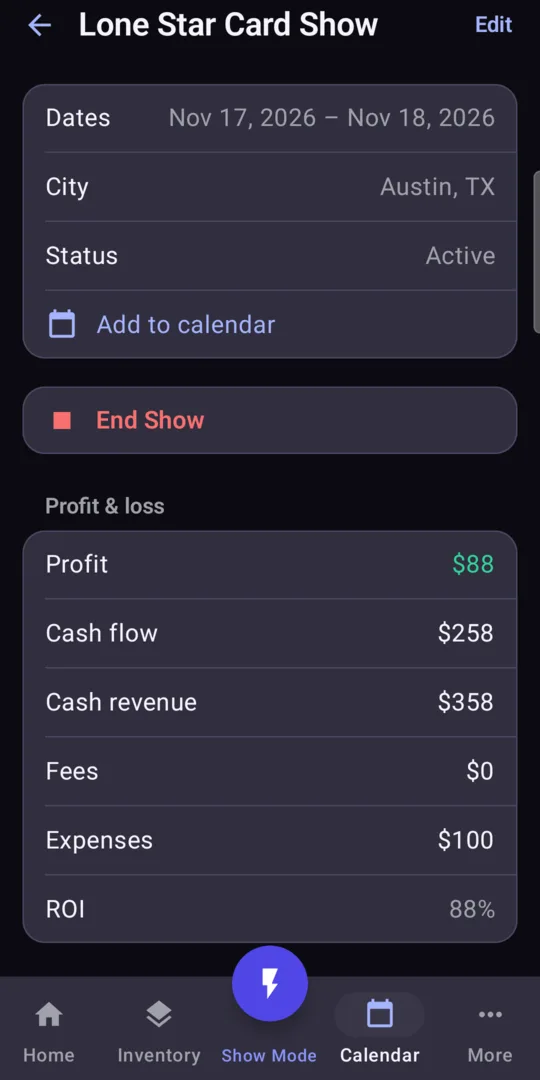
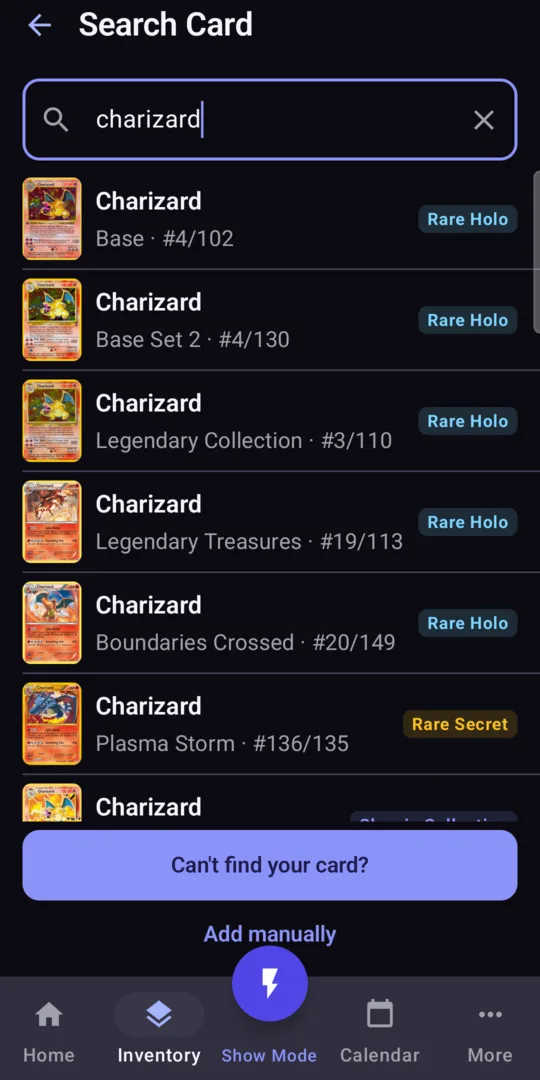
Your inventory and sales stay on your phone. More of the iPhone app arrives with each update.
Found a bug?
Tell us. That is the whole point.
Email support@cardops.app with what you did, what you expected, and your phone model. A screenshot helps a lot. Testers can also send private feedback from the CardOps page in the Play Store.
Want to leave the test? Uninstall the app and tap Leave the program on the opt-in page. You can rejoin later.