Know your cards. Build your Pokémon business.
The toolkit for Pokémon vendors who take their business seriously. Understand your inventory, weigh your next buy, and know what every show made. From your first table to your next season.

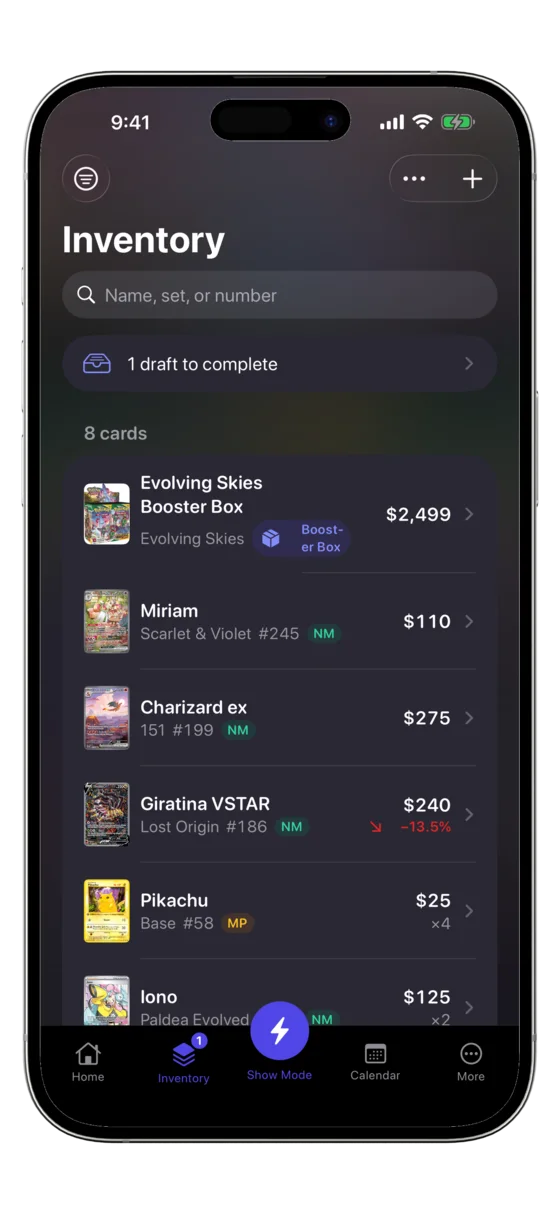
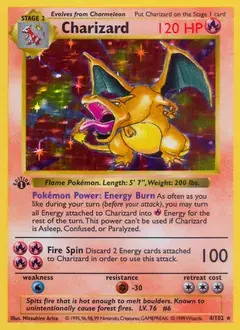
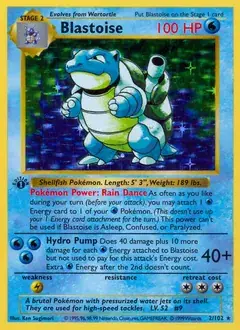
The next card you buy deserves a better decision.
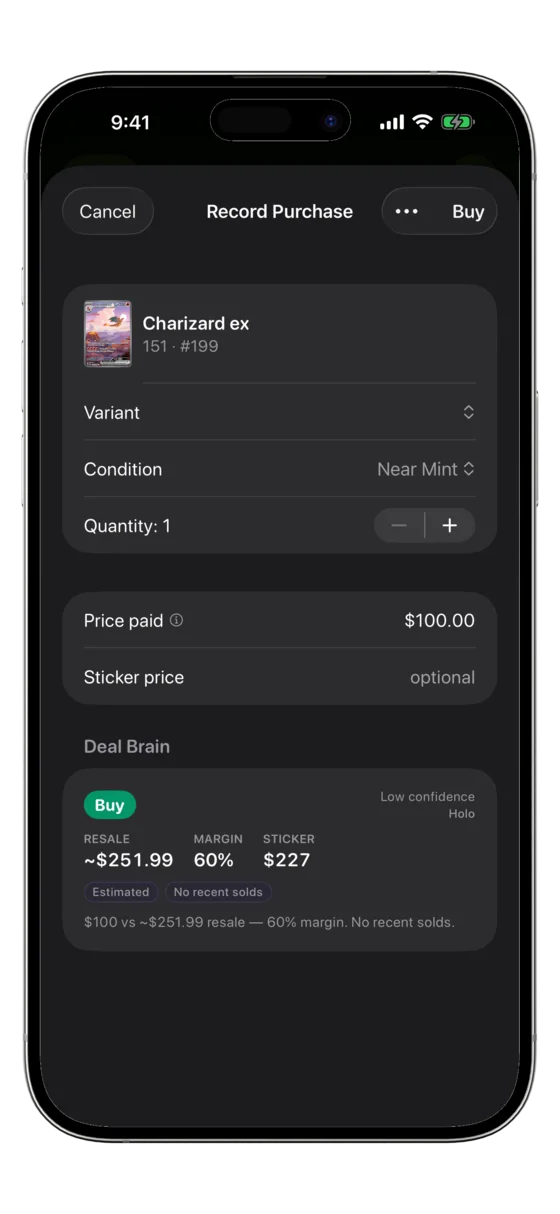
Your Pokémon knowledge, backed by the numbers. Bring market context, purchase costs, and your inventory together before money changes hands.
Weigh the deal.
Deal Brain gives a buy-or-pass recommendation with a reason, helping you assess a purchase, trade, or bulk lot. You make the call.
Know what you’re holding.
Keep purchase costs beside market values. Review price history, sold comparisons, and graded prices to understand the cards in your stock.
Catch the moves that matter.
Pro price alerts track changes in your inventory’s market prices. Choose the movement threshold and direction that matter to you.
Understand the numbers.
Then trust your judgment.
A closer look before grading. Grade Estimator helps you assess condition before paying grading fees. An estimate, never a grading guarantee.
Answers from your own inventory. Ask Inventory lets you ask plain-language questions about your stock and sales.
Prepared for the deal. Ready for the table.
Show Mode brings your Pokémon inventory to the floor. Scan, sell, trade, and buy from your phone, then see what the show actually made.
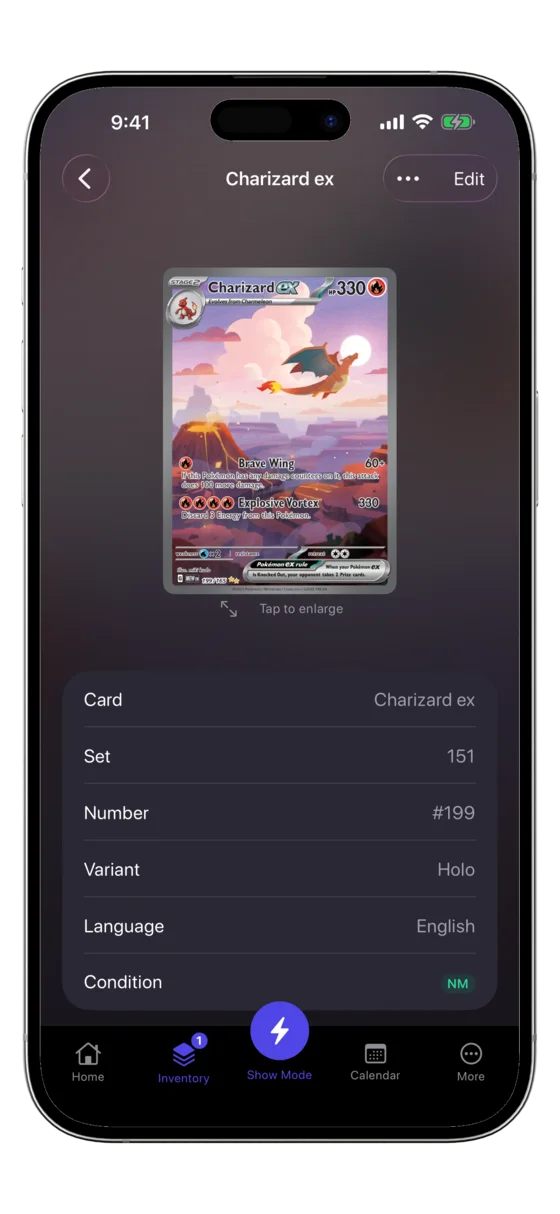
- Scan + price
Every card, scanned and priced.
Point the camera and on-device recognition matches it against a 20,000+ Pokémon catalog with a live market value, in seconds.
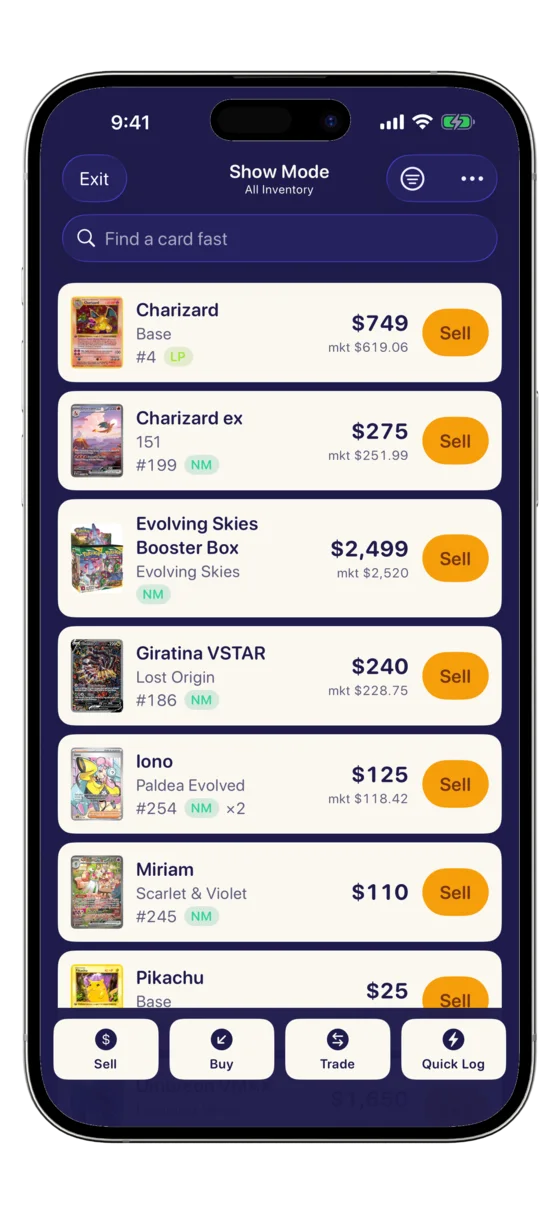
- Show Mode
Sell, trade, and buy in one tap.
Ring up a line of buyers fast, logging every sale, trade, and buy, while per-show profit totals as you go.
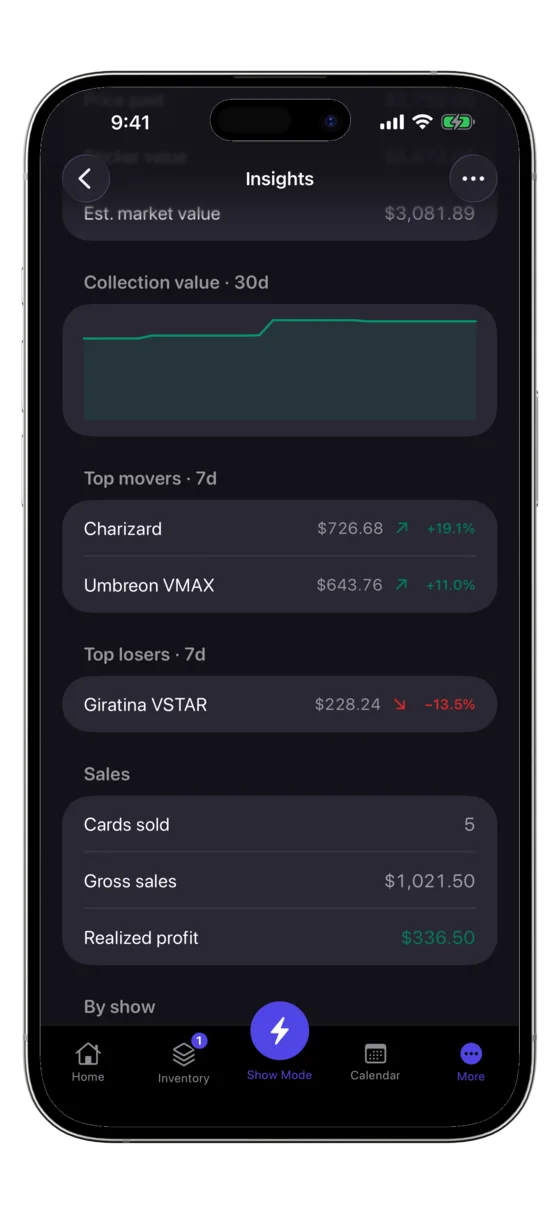
- Profit
Know what the show made.
Per-show profit, fees, and cash flow all counted, not just what the cash box says. See which shows actually made money.
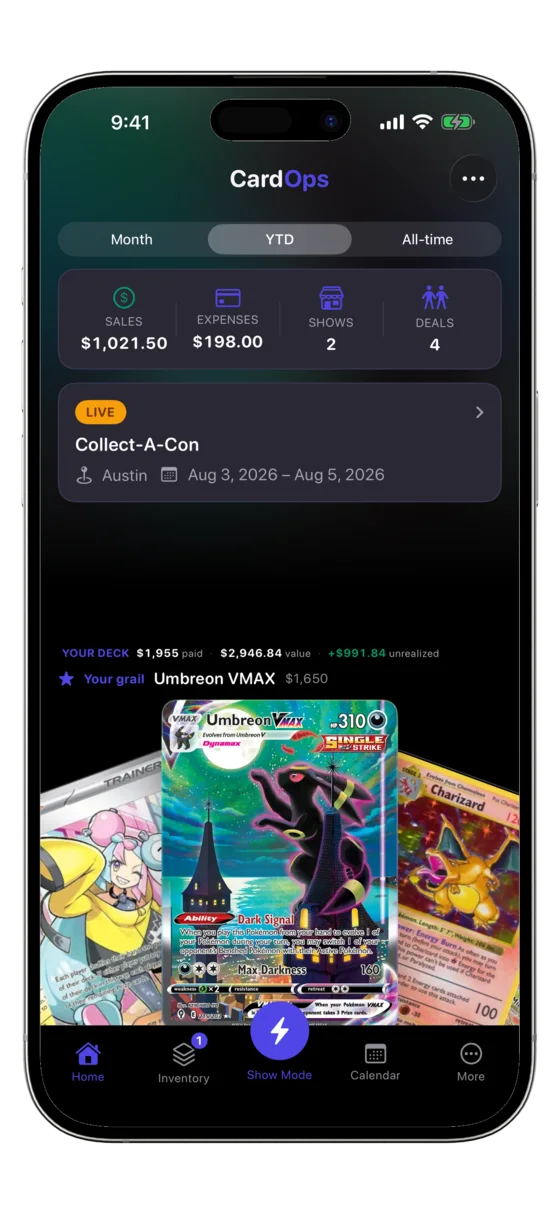
- The dashboard
Your whole operation, at a glance.
Today's sales, this show's profit, and what your inventory is worth are right there. Always current, no spreadsheet to reconcile.
Show Mode
Show Mode runs your whole table.
Search your inventory, ring up sales, and log trades and buys in a tap, while per-show profit totals live. Everything a busy table needs, on the phone in your hand.
- Instant search across 20,000+ Pokémon cards, no waiting
- One tap to sell, trade, or buy, with per-show profit totaling as you go
- Keeps working offline, so a packed hall never stops a sale
Show profit, so far
- Charizard exSOLD+$420
- Umbreon VMAXTRADE+$85
- Booth feeEXPENSE−$60
- Sales revenue: +$1,820
- Trade profit: +$240
- Cost of cards sold: −$560
- Table fee: −$90
Spreadsheet vs CardOps
Retire the spreadsheet.
Binders and a shared sheet were never built for a table at a show. Here's the same job, both ways.
- Retype every card by hand, then reconcile the cash box after.Scan a card and it's in, priced from a live market.
- The total is whatever you tally up later, if you remember.Per-show profit totals as you sell, trade, and buy.
- A cloud sheet needs signal the convention hall doesn't have.Keeps working offline, so a packed hall never stops a sale.
- One fat-fingered cell or broken formula throws off the math.Tap to sell. No formulas, no #REF!, nothing to break.
iPhone and iPad
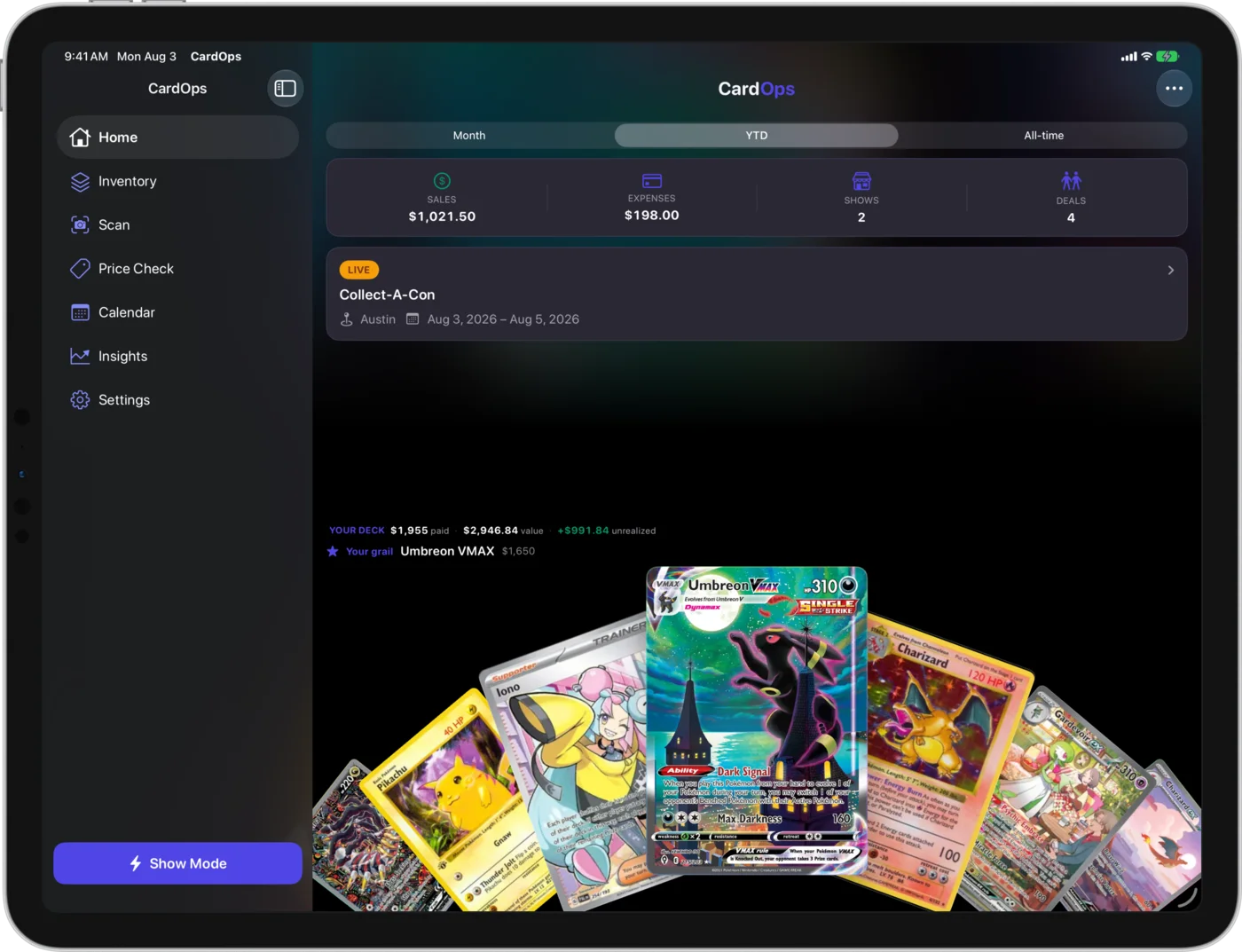
Your whole operation, on every screen.
One app, universal. Sell fast from your phone at the table, then spread out on iPad at the booth. Same inventory, same shows, same per-show profit, synced through your own private iCloud.
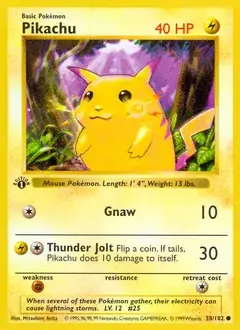
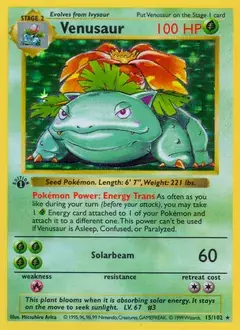
Built for the people who actually work the table.
Runs your whole table
Show Mode sells, trades, and buys from the phone in your hand, with per-show profit totaling as you go. It keeps working offline, too.
A scanner you can trust
On-device recognition across a 20,000+ Pokémon catalog. Fast, accurate, and private.
Smart help on the spot
Deal Brain calls buy or pass on any deal or trade, and a camera grade estimate tells you what to slab before you pay to grade.
Your data stays yours
No account, ever. Everything lives on your device and your own private iCloud, never our servers.
Read up before the next show.
Pricing to real comps, tracking cost basis, and what to do when the hall wifi dies. Written for dealers, not collectors.
Starting your first table? Read the free Vendor Handbook for equipment, inspection, buying, trading, and show-day checklists.
All guides- Venusaur ex (151): What It Is and What It's WorthWhat the 151 Venusaur ex Special Illustration Rare is, why it sells steadier than its Charizard and Blastoise set mates, and how to price a copy at your table.
- How to Track Mileage and Travel Costs for Card ShowsA simple way to log driving, hotels, and meals per show so your real profit accounts for travel, and tax time has the records to back it up.
- Typhlosion (Neo Genesis): What It Is and What It's WorthWhat a Neo Genesis Typhlosion holo is worth today, why the printing you're holding changes the number, and how to price it at a show.
- Shining Charizard (Neo Destiny): What It Is and What It's WorthWhat Neo Destiny's Shining Charizard is, why the shiny treatment made it an early chase card, and how to price a raw copy at your table.

Two brothers.
A lifelong love of Pokémon.
We grew up collecting. Now we’re building the tools we wish more people had.
We’re Andre and Willem Havasi. Pokémon has been part of our lives since childhood. CardOps brings that shared love together with a simple belief: the knowledge to make a good card decision should be easier to find.
There’s a lot to learn about cards, pricing, and running a table. Too much of that knowledge stays in closed circles. We’re building CardOps to help vendors understand their inventory, weigh a purchase, and turn what they know into a stronger business.
We’re early in our own vending journey, learning alongside friends in the industry and the vendors using CardOps. Their questions and experience help shape what we build next.
- Andre Havasi
- Development
- Willem Havasi
- Product, card knowledge, and outreach

Your next chapter starts with your cards.
Bring your Pokémon inventory into focus. Start free, explore the tools, and build a business you understand.
 Built for Pokémon vendors · iPhone & iPadFind your plan →